1Scan
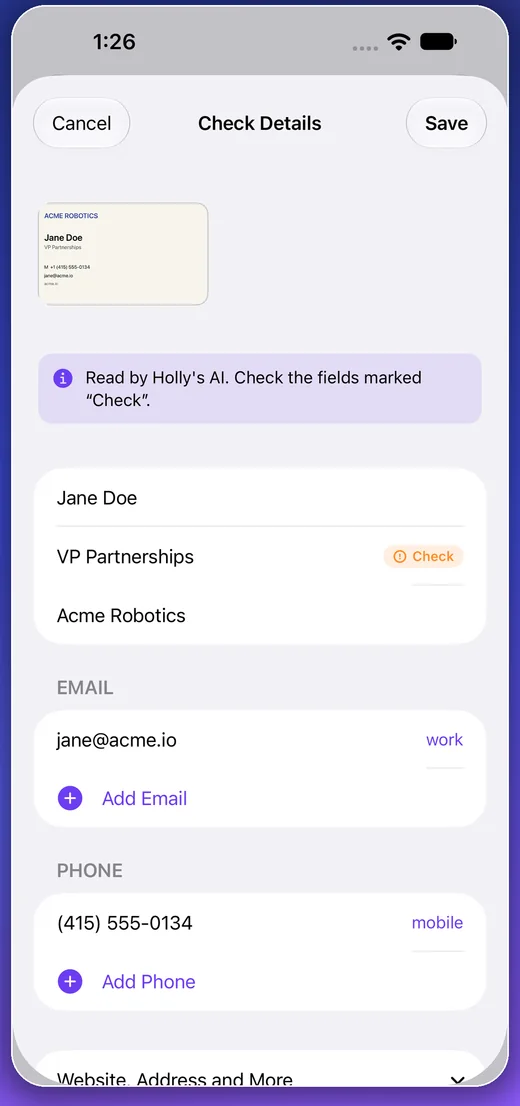
Save the whole business card.
Capture the front and back. Review what Holly reads before anything is saved.
Personal CRM for real-world connections
Holly turns a business card into a relationship you can actually manage—from the first scan to the next thoughtful follow-up.
 Holly keeps the contextYour notes stay with the contact.
Built for the moment after the handshake.
A simple, human workflow
No complicated CRM setup. Just capture the person, keep the context, and know what to do next.
Capture the front and back. Review what Holly reads before anything is saved.
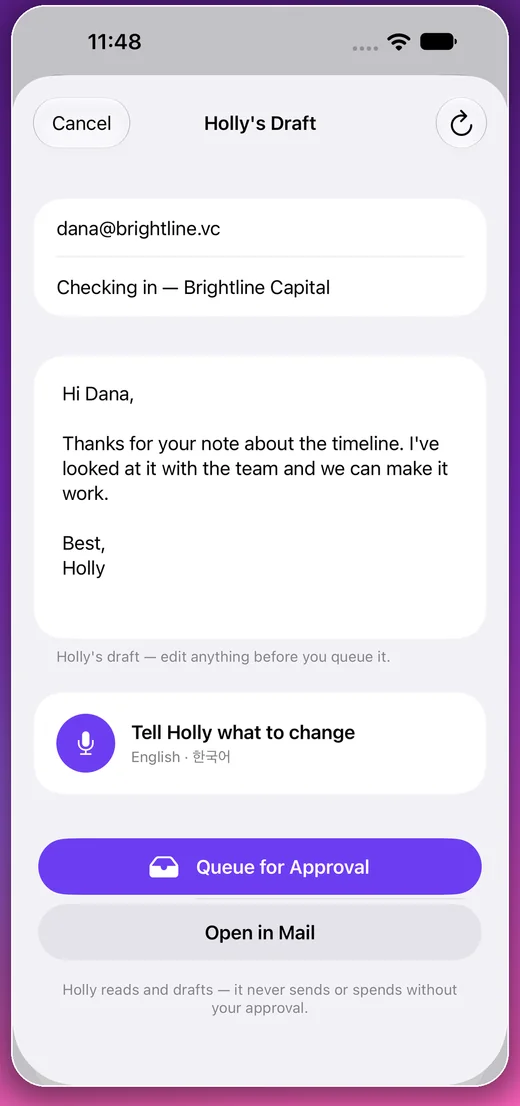
Holly drafts from the context you saved. You edit and approve every word.
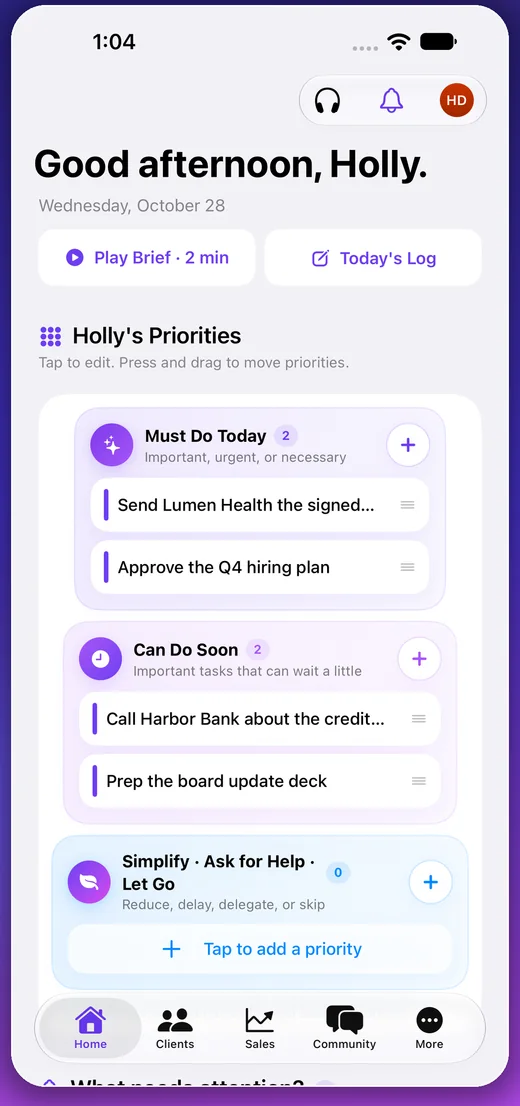
Move the relationship into today’s plan so promising conversations do not go quiet.
Relationships, not a contact list
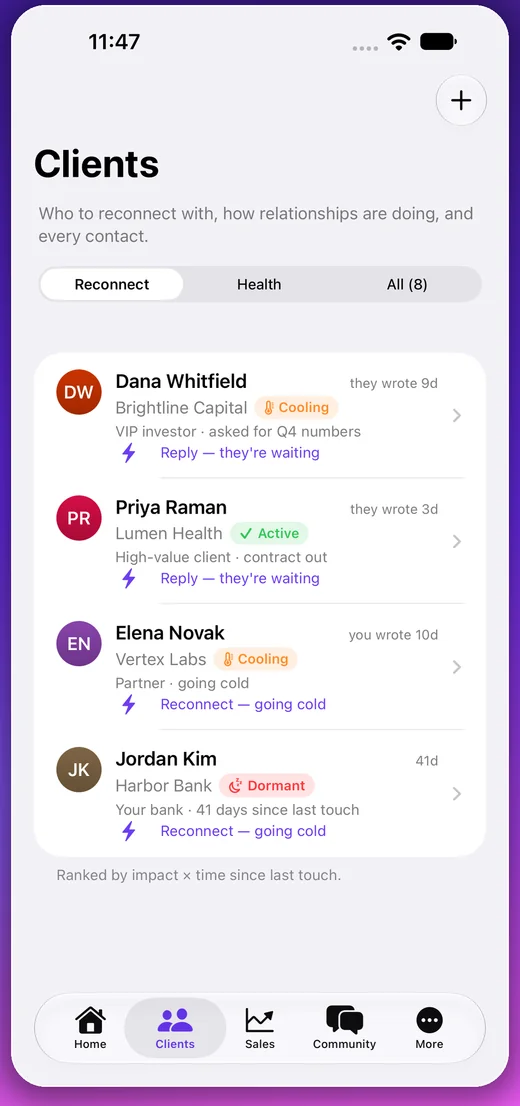
Holly keeps the person, the place you met, your notes, and the next action together. You see which relationships are active, cooling, or waiting on you.
A calmer daily plan
Use three simple levels instead of one endless task list. Move work as the day changes, and let go of what no longer deserves your attention.
Holly’s tipThree clear priorities beat thirty open tabs.
Community when you want it
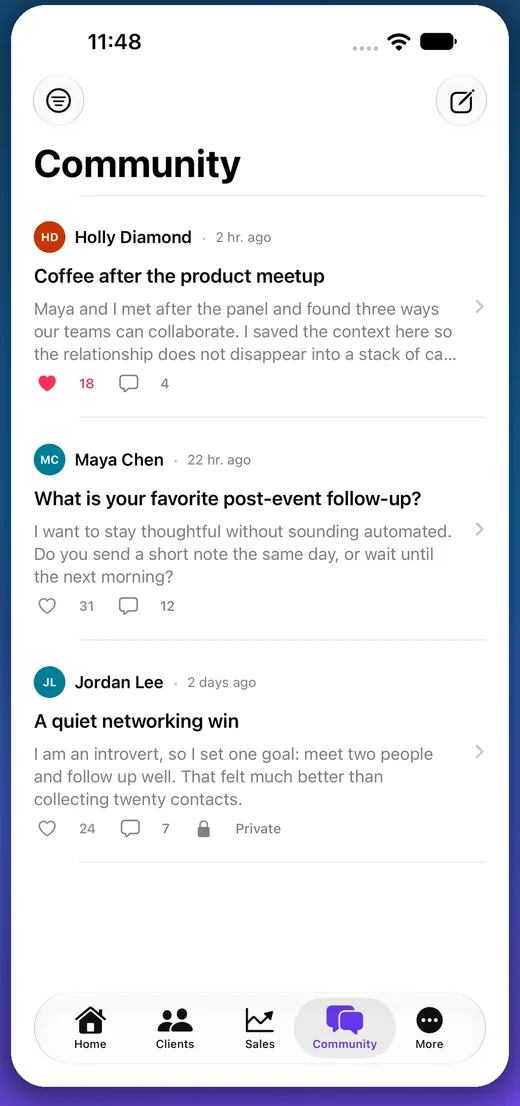
Post who you met, add a photo, tag the person, and choose public or private. Your relationship notes stay yours.
Good to know
Holly OS is currently free on iPhone and supports English and Korean.
A personal CRM and priority planner that turns business cards into organized relationships and clear next steps.
Yes. Capture the front and back, review the extracted details, and keep the original card with the contact.
No. Holly prepares a draft. You review, edit, approve, and decide when to open it in Mail.
Yes. Holly OS is currently free to download and use on iPhone.
Start with the next person you meet
Scan the card. Remember the story. Make the next move.
Download Holly OS free Free on the App StoreHolly OS for iPhoneGet